Vuepress
This tutorial how to authenticate Vuepress by using Azure Active Directory of Microsoft Tech.
# Setting Authentication
Register Authentication
# Add the Azure AD to VuePress
To use Azure AD in your Vuepress application, you will need the adal package. Go to your command terminal and run the following command.
npm install adal-angular
::: warning adal.js has implemented by implicit flow Implicit Grant. Read more :::
Note: If the local development server is still running, you can press CTRL+C to stop it.
Create a new file under the .vuepress folder named enhanceApp.js. Add the following code to this new file.
// import package
import AuthenticationContext from 'adal-angular/lib/adal.js'

// Initial config
export function createAdalContext() {
    return new AuthenticationContext({
        tenant: 'archwayprod.onmicrosoft.com', // your tenant
        clientId: 'd8a4c886-3bc6-4679-afd8-46795c1cb94a', // your client id (app registration)
        popUp: false,
        cacheLocation: 'sessionStorage'
    })
}
Then export default function. You use router to navigation your app before access to document
{
    const adal = createAdalContext() // initial config
    if (!isServer) { // check server or local dev
        adal.config.redirectUri = window.location.origin
    } else {
        adal.config.redirectUri = window.location.origin
    }
    router.beforeEach((to, from, next) => { // router before each to navigation page
        return new Promise((resolve, reject) => { // use promise
            // check after return redirect uri with #id_token
            if (adal.isCallback(window.location.hash) || window.self !== window.top) {
                adal.handleWindowCallback(window.location.hash); // hande hash id_token
                next() // go to app
            }
            else {
                // If have already login and into session.
                if (adal.getCachedToken(adal.config.clientId)) {
                    next(); // go to app
                }
                // If have already login user
                let user = adal.getCachedUser();
                if (user) {
                    resolve();
                }
                else {
                    adal.login();
                }
            }
        });
    });
};
Now start your local dev server with yarn dev and view http://localhost:5000
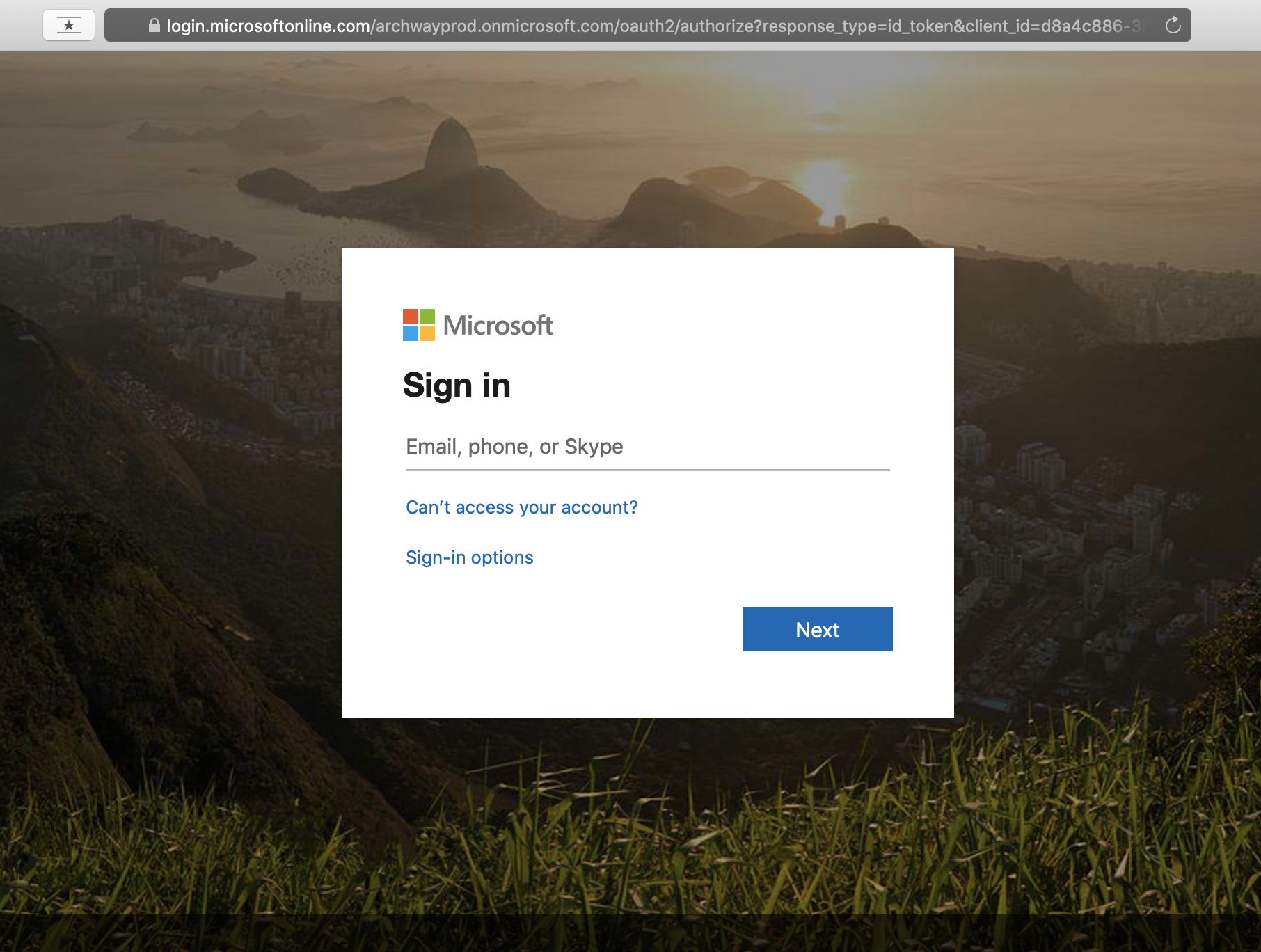
after login